


Why structure matters: From rambling to results
I have attended and hosted hundreds of live streams and podcasts. The biggest trap I see is well-intentioned creators showing up without a format or a clear purpose. They end up rambling, and the audience drifts away. That is avoidable. With structure, your live streams stop being random and start functioning as predictable touchpoints that build trust and generate clients.
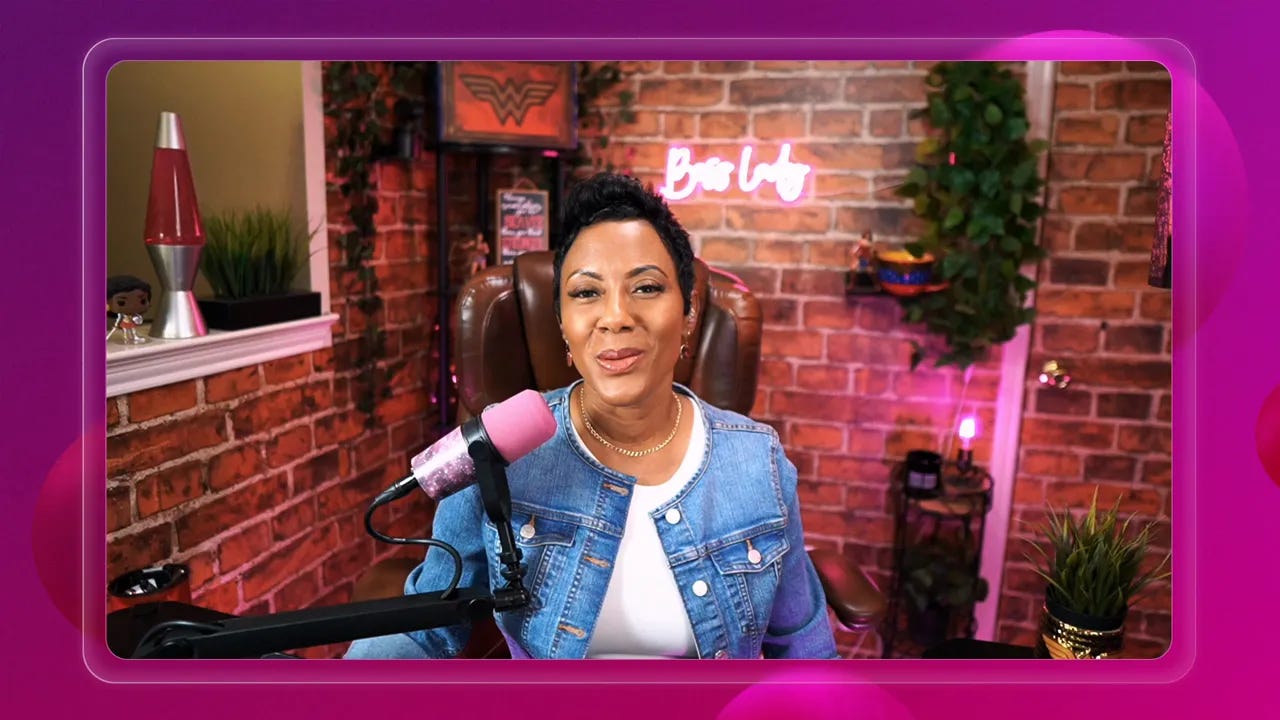
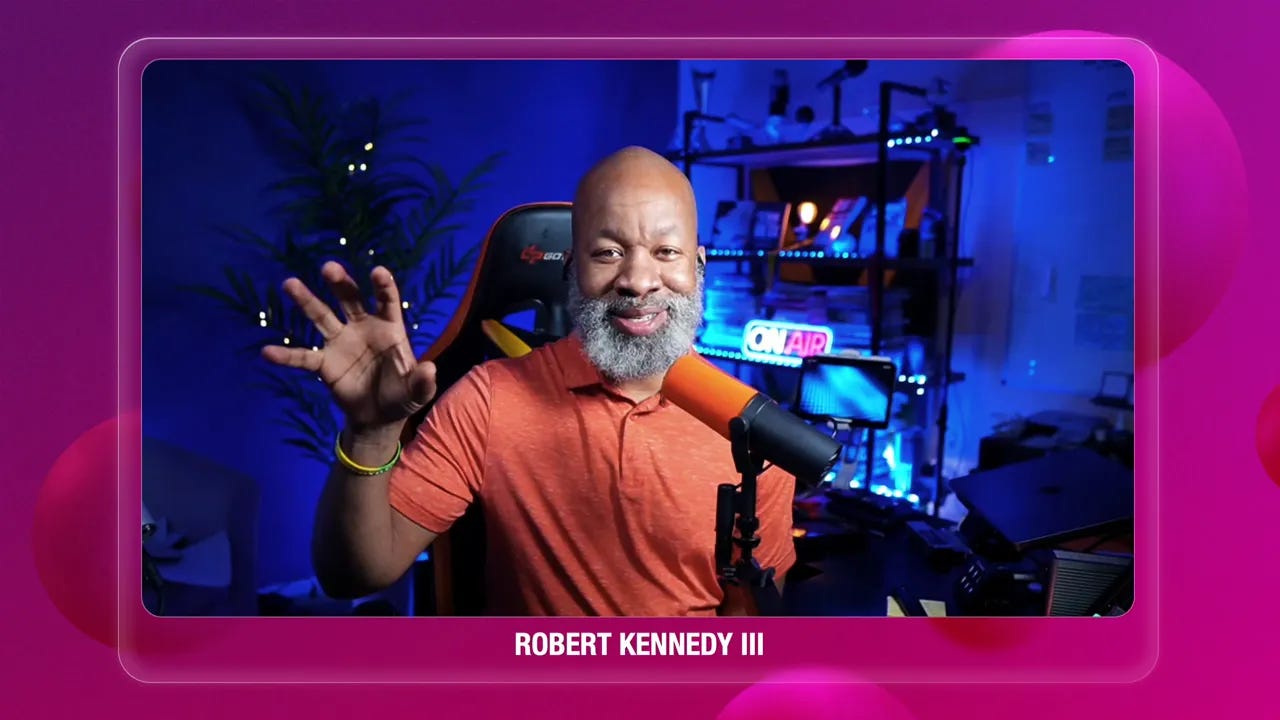
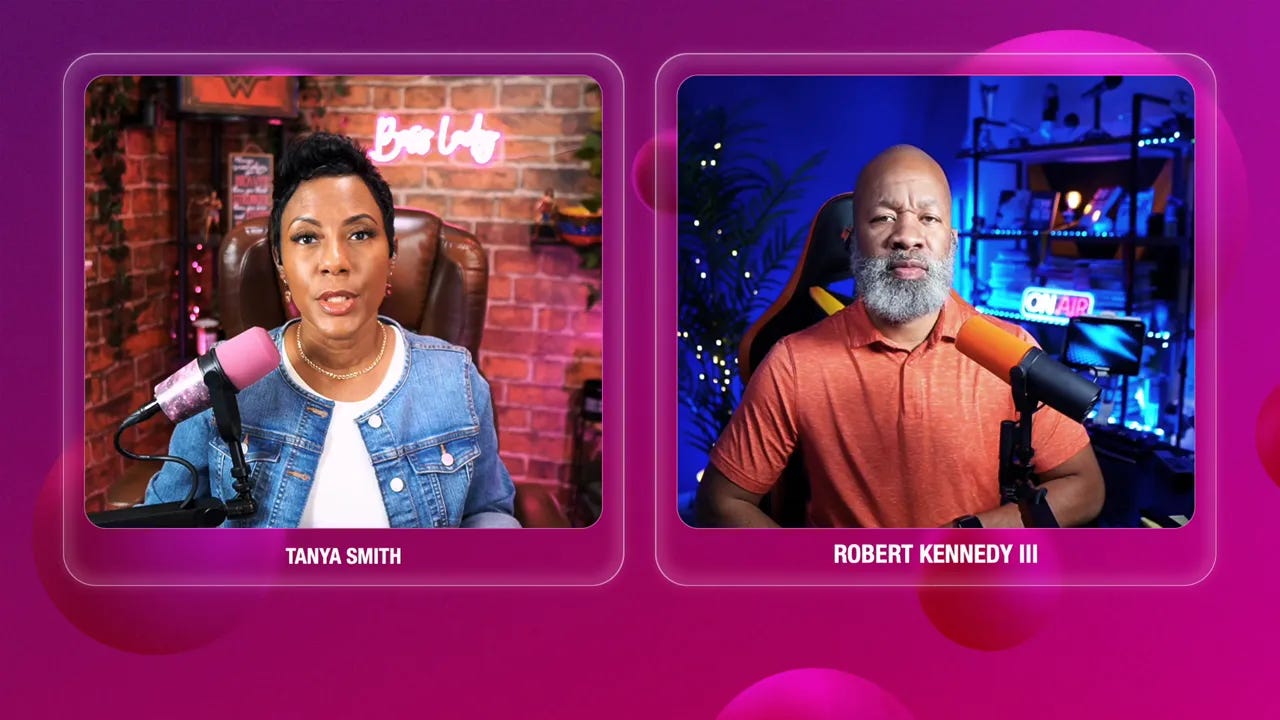
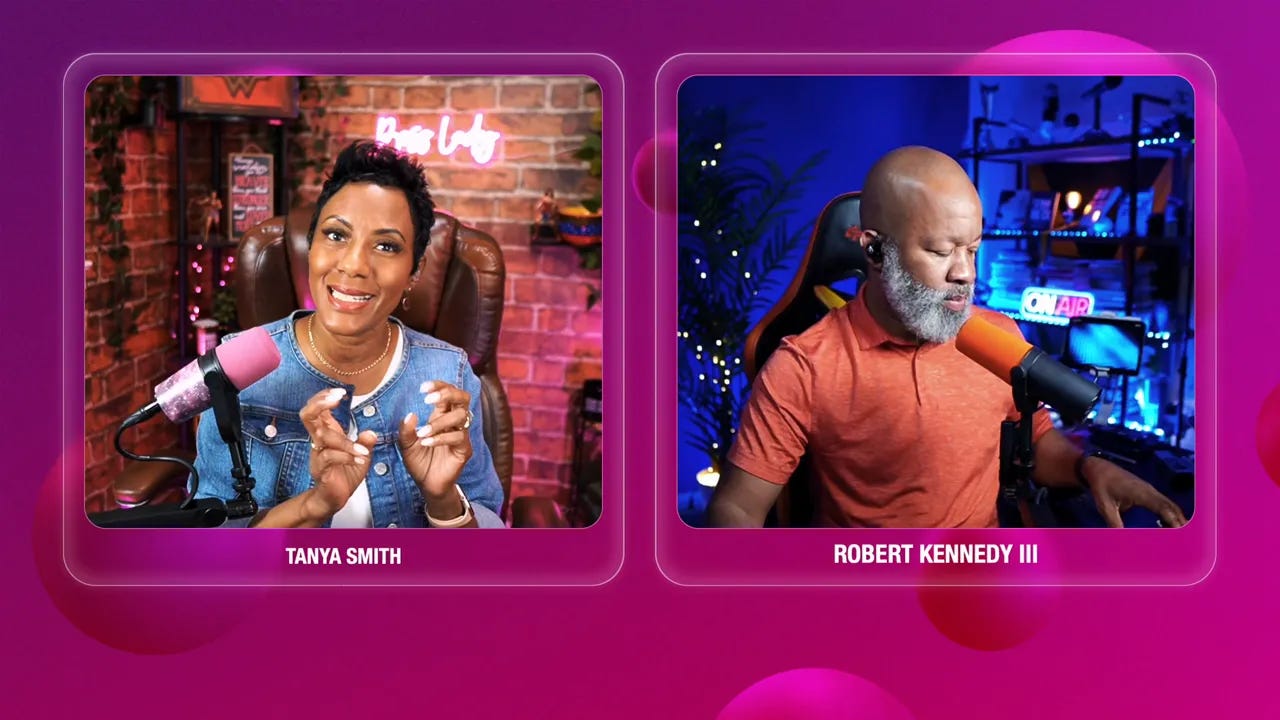
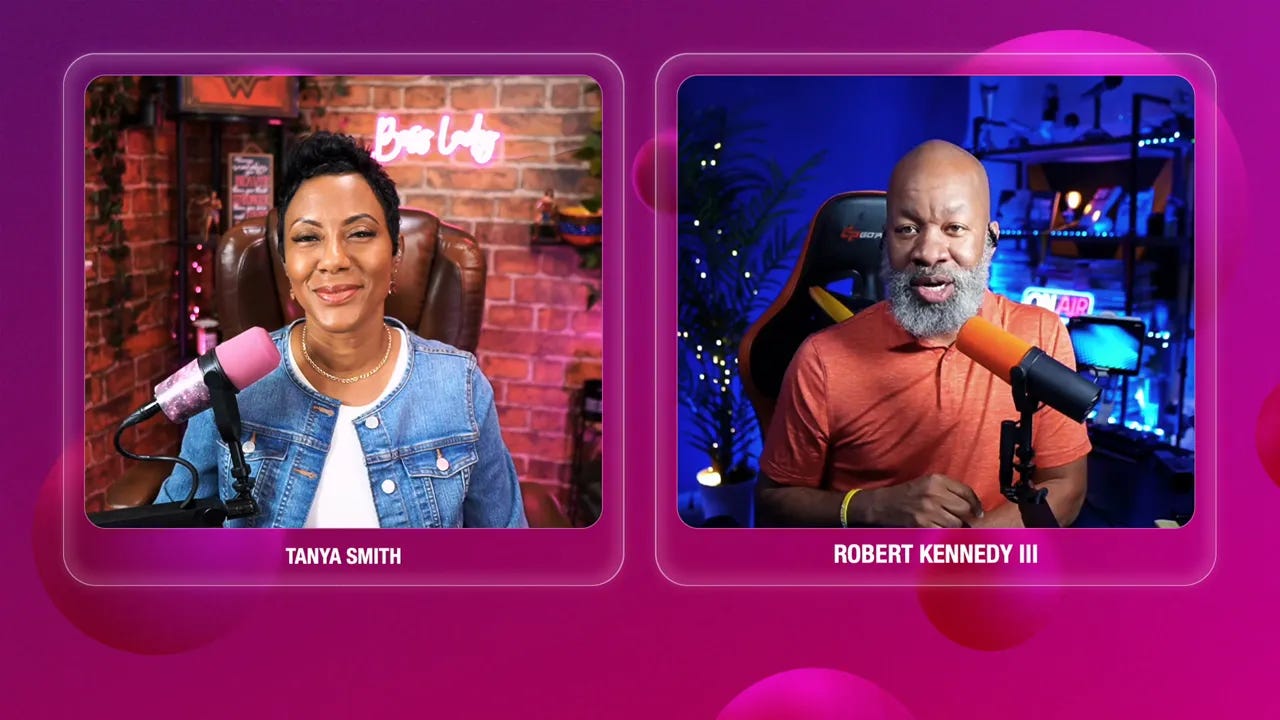
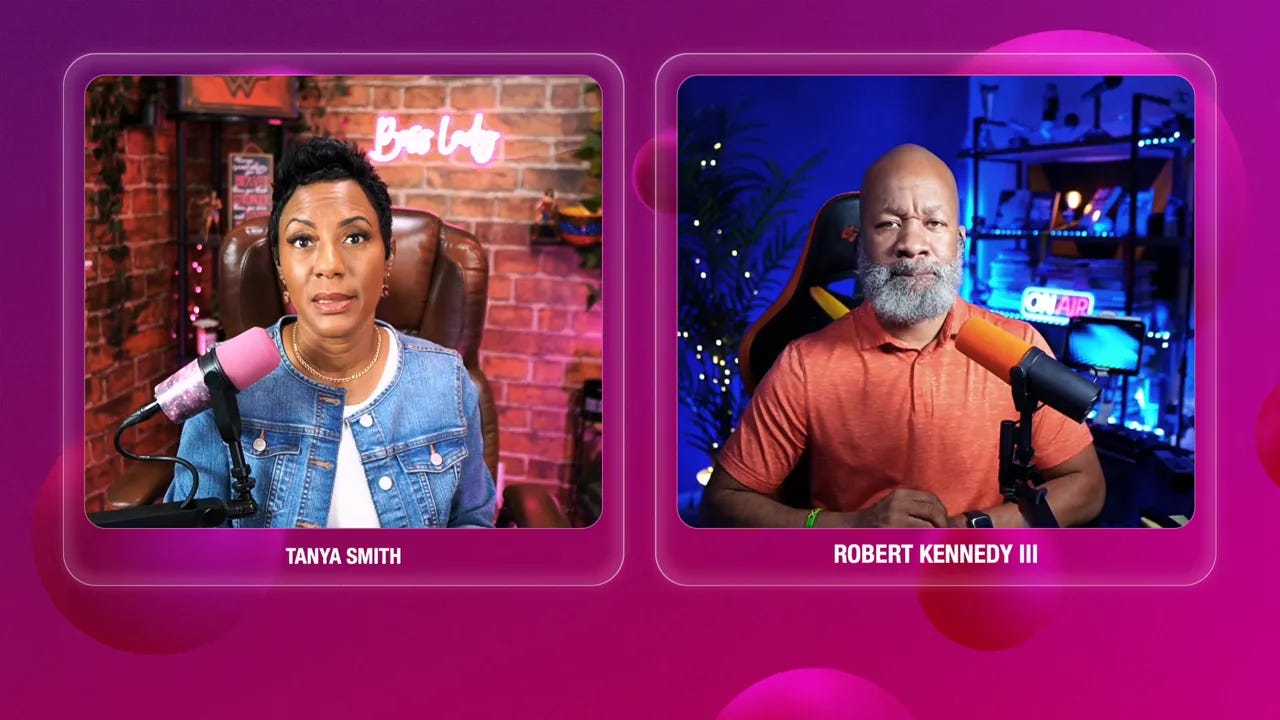
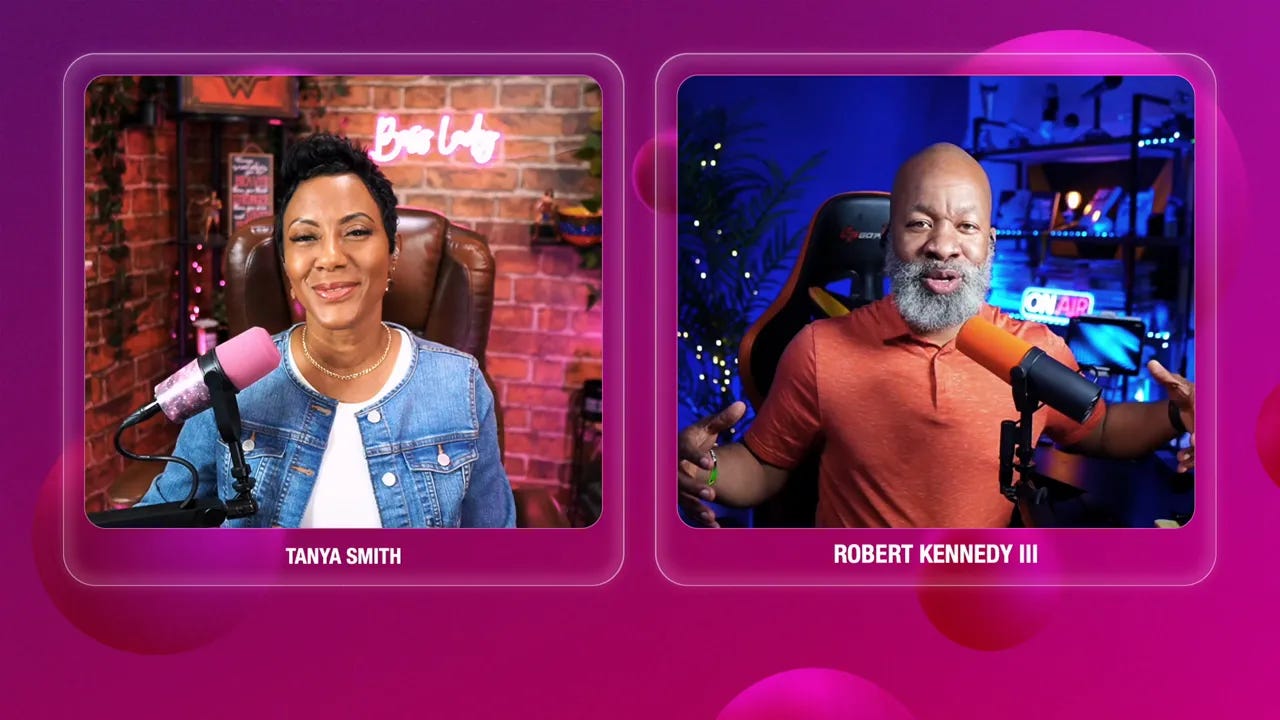
I was fortunate to have my dear friend Robert Kennedy III on live tonight to discuss!
Thank you Curtis Brooks, Dr. Staci Moore(TheOper8tor ™), and many others for tuning into our live video! Join in for my next live video in the app.
Here is the core promise I make to myself when I show up: be intentional. Show up with a format. Know the outcome. Your content then becomes a marketing channel aligned to revenue, not a one-off performance.
Episode summary: What you will learn
Four formats that scale: guest interviews, solo sessions, live tool demos, and Q&A clinics
How to prep and vet guests so your audience experience remains consistent
Designing a solo teaching stream that positions you as a thought leader
How demo videos turn into partnerships, affiliates, and community trust
Running a live Q&A clinic that surfaces product ideas and client opportunities
Practical repurposing workflows using tools like Cast Magic and NotebookLM
The four formats we discussed and why
Not all content is created equal. I focus on formats that give me leverage. Here are the four I recommend and teach:
Guest interviews and panels — scale your network and borrow authority
Solo educational sessions — stake your claim as a thought leader
Live tool demos — transparent reviews build trust and open collaboration doors
Live Q&A clinics — real-time problem solving and product discovery
Deep dive into each format (structure, prep, and pitfalls)
1. Guest interviews and panels
Guest interviews are Robert’s favorite because conversation scales influence. I love convening people, facilitating a discussion, and watching the cross-pollination of ideas. Panels are even better when they are curated with a purpose.
Why this works for business
Shared audiences — both guests and hosts bring attendees
Credibility by association — guests can lend authority to your topic
Opportunity to convert guests into partners, affiliates, or clients
How we structure guest shows
Clear topic alignment. I only invite guests who actually have something useful to say about the planned subject.
Pre-show vetting. If I do not know the person I request a quick coffee chat. It is not about being exclusive. It is about maintaining the show vibe.
Share the show flow. Guests get a checklist and a playlist of past episodes so they know the rhythm and expectations.
Use a simple agreement. I reserve the right to decline airing a show if it does not land. Guests also retain that flexibility.
“Everyone’s not meant for everybody. If we haven’t had at least a coffee chat, I may not put someone in front of my audience.” — From the conversation
Horror stories and how to avoid them
We have seen guests show up from their car, with lawnmowers, ambulances, and one-word answers. That can be painful for the host and the audience. Avoid this with pre-interview tech checks, expectations about location and sound, and a short rehearsal or outline ahead of time.
2. Solo educational sessions
Solo streams are the second favorite (actually, my favorite) and often my most strategic. If you want to be known for something, you have to own the mic sometimes.
Why solo content matters
Positions you as a thought leader because the spotlight is on your ideas
Faster to produce when you need to be agile
Allows you to explain frameworks and processes that directly tie to your offers
Structure for an effective solo stream
Hook in the first 60 seconds: announce the problem you will solve
Relate with a short story: make it real and human
Deliver three actionable teaching points: keep it tight
Close with a quick audience activity and a call to action aligned to your offers
Tools and templates
I use a ChatGPT-powered template to draft my outline. It gives me the skeleton. Where AI cannot help is the story. The story is mine. Write it down and make it a sound bite you can repeat. A simple template I use is:
Hook: What problem does the audience feel?
Why it matters: short stat or anecdote
Story: what happened to me or a client
Teach: three clear steps or takeaways
CTA: next step for the viewer
One caveat
If you rely entirely on guests, you risk diluting your own authority. My business manager once told me I was becoming a platform for other people. Balance guest seasons with solo seasons and anchor your content to the offers you sell.
3. Live tool demos
If you love tech like we do, tool demos are a goldmine. I used to do an entire faceless YouTube show called Click of the Week. I would screen share, explore an app, and tell people what I liked and what I did not. That content created affiliate revenue, partnerships, and credibility.
Why tool demos are effective
They teach practical skills people can apply immediately
Companies love authentic demos and will often collaborate or sponsor
They are highly repurposable into shorts, tutorials, and blog posts
How to run a demo
Know the use case you are solving for
Decide face on or faceless screen share
Walk through the main workflow step by step
Show pitfalls and honest opinions—transparency builds trust
End with next steps, resources, and a QR code link for downloads
Practical tip
Use QR codes during the demo to capture clicks and make it easy for viewers to try the tool. Many streaming platforms like Restream will generate a QR quickly during a live session.
4. Live Q&A clinic
This is another favorite format for client generation. The live Q&A clinic is structured problem solving with your audience. It dramatically reduces guesswork because your community tells you exactly what they need.
Formats you can use
Hot seat coaching with community members
Call-in show where people call or join live to ask a question
Pre-submitted questions that you answer in-depth with resources
Why this works
Directly surfaces the needs of potential clients
Positions you as a practitioner able to diagnose and influence change in real time
Creates high-value clips that prove your coaching or consulting approach
Execution tips
Collect questions ahead of time to prepare strong, useful frameworks
Limit time per question so you can help multiple people
If a topic is sensitive, offer an audio-only option or private coaching follow-up
Why these formats grow clients and credibility
When you design your streams with clarity, they become pathways to conversion. Guest shows expand reach. Solo shows build authority. Demos build trust and earn partnerships. Q&A clinics reveal real needs you can turn into offers.
The best part is feedback loops. A single question asked during a clinic can inspire a masterclass, a paid product, or a signature service. More importantly, viewers experience the transformation you offer live and in public. That trust is priceless.
“Your structure turns randomness into client generation machines.” — This is the main takeaway I remind myself and my clients.
Mini action plan you can implement in 7 days
Below is a lean, high-impact plan you can execute this week. I designed it for coaches, consultants, and creative service providers who want immediate momentum.
Step 1: Plan your next three streams
Pick one format for each: a solo teaching, a guest interview, and a Q&A clinic.
Set clear outcomes for each stream. For example, the solo may be to sell a free worksheet. The guest interview may be to grow your email list by 50 new subscribers. The clinic may be to recruit 3 discovery calls.
Draft a one-sentence hook for each stream. If it is not compelling in one sentence, go back to the outcome.
Step 2: Prep the logistics and checklist
Create a short pre-show kit for any guest: tech checklist, show flow, and your preferred tone.
Schedule a 15-minute coffee chat with any new guest to ensure vibe alignment.
Decide what you will repurpose from each stream: 5 clips, a blog post, and a newsletter summary.
Step 3: Repurpose and automate
Use Cast Magic or a similar tool to auto-generate clip ideas and social posts from your recording.
Upload the recording to NotebookLM to create an explainer video, a workbook, and a lead magnet outline.
Batch three short clips within 24 hours post-stream and post them across your channels to maximize reach.
Simple show flow template
Use this adaptable flow for most live shows:
Title slide and 10-20 second hook
Welcome and one-sentence promise to the viewer
Short story or context that makes the topic relatable
Main content: three clear points or segments
Audience interaction: comment asks, polls, or quick Q&A segment
Clear CTA: sign-up, book a call, download a resource
Close with next stream tease and gratitude
Repurposing practicalities: a short workflow
One of the fastest ways to get value from a single live is to plan repurposing before you go live. Here is a compact workflow I use.
Record the full live session and mark timestamps during the show for “golden moments.”
Run the recording through Castmagic to auto-generate clips and social captions.
Upload the transcript into NotebookLM and ask for an explainer video, a 1-page checklist, and a blog outline.
Publish one pillar blog post within 48 hours, supported by 3 short clips over the next week, and a newsletter summary.
Memorable quotes from the episode
“If you never press go live, if you never get in front of a camera, you won’t even know.” — A nudge I give myself and my clients.
“There’s no one right way to do this. You can make a choice about what works for you and none of those choices will be wrong.” — Truth about formats and sustainability.
Mini FAQ
Q: Which format is best if I am just starting?
A: If you are new, guest interviews can accelerate reach by giving you access to other networks. But do not neglect solo shows if you want to establish a distinct voice. Use a mix based on your goals.
Q: How do I find guests?
A: Use networks like PodMatch, LinkedIn outreach, and your community. Vet with a quick coffee chat and give potential guests a clear one-pager on your show flow and expectations.
Q: How often should I stream?
A: Frequency matters more than consistency when aligned to purpose. Start with a cadence you can maintain and pair it with a repurposing plan so the content work keeps working.
Final thoughts and the real action step
Live streaming is not a performance hobby. It is a repeatable, measurable channel for relationships, authority, and revenue. The secret is less in the camera gear and more in the structure. Pick formats that reflect your goals, plan the repurposing before you go live, and be strategic about when you invite others onto your stage.
For the week ahead, commit to 3 things: plan your next three streams, prepare a guest checklist, and repurpose a past episode using at least one automation tool. Small, consistent actions compound.
In Closing…
If this article helped you, subscribe to the channel or newsletter where you found this, leave a review, and tell me in the comments which format you will try next.
Now, pick a format, schedule your next stream, and press go. You will learn more by doing than planning forever.

About the Author
Tanya Smith is the CEO of Get Noticed with Video LLC and host of Stream Like a Boss® TV, where she helps podcasters and livestream creators turn crickets into clients—without chasing algorithms or losing their authentic voice. Through practical strategies and proven workflows, Tanya empowers creators to grow their audience, build authority, and monetize their message with confidence.
🎯 Want to know your unique livestream personality type?
Take the free quiz now: streamlikeaboss.tv/quiz


