

I spend a lot of time thinking about leverage. As a strategist who teaches people to use video and live streaming to grow their business, my attention is always on one question: how do I create more value for clients without getting trapped in developer time, backend headaches, and endless debugging?
EZsite answered that question for me, and in this episode-style breakdown I’ll give you the practical roadmap I used to go from idea to a selling micro-app in a single afternoon.
This is not a hype piece. It is a measured, strategic look at a tool that fills an important gap for coaches, consultants, and creative service providers who want digital products that feel branded, reliable, and sale-ready — without becoming software engineers.
Thank you Denise Wakeman, 🤍 𝓝𝓲𝓬𝓴𝓺𝓾𝓸𝓵𝓮𝓽𝓽𝓮 𝓑𝓪𝓻𝓻𝓮𝓽𝓽, 𝓟𝓒𝓒 🤍, Valarie Harris, Lou Bortone, Adiba Twigg, and many others for tuning into my live video! Join me for my next live video in the app.
The problem most creators and coaches face
Coaches and consultants know their audience and the problems they solve. Most of them do not want to become developers. They want tools that extend their service offering: a resume builder for career clients, a CTA generator for video students, a lead magnet that actually converts. The hard part is the engine behind the page: sign-up flows, role permissions, secure payments, and reliable databases. That’s the part that eats time and money.
When I first started experimenting with no-code AI builders, I spent hours making beautiful pages that were functionally hollow. They looked good but had no payment flows, no dashboard logic, no reliable sign-in. That gap is the exact place EasySight sits.
Why EZsite is built differently
Founder background matters. EZsite’s founder came from product engineering and experience at places like TikTok. That background shows. The platform blends AI-assisted site generation with a full stack that includes backend components such as sign-in, role-based access, Stripe payments, and a managed database. The design is intentionally turnkey so service providers can focus on solving problems, not wiring infrastructure.
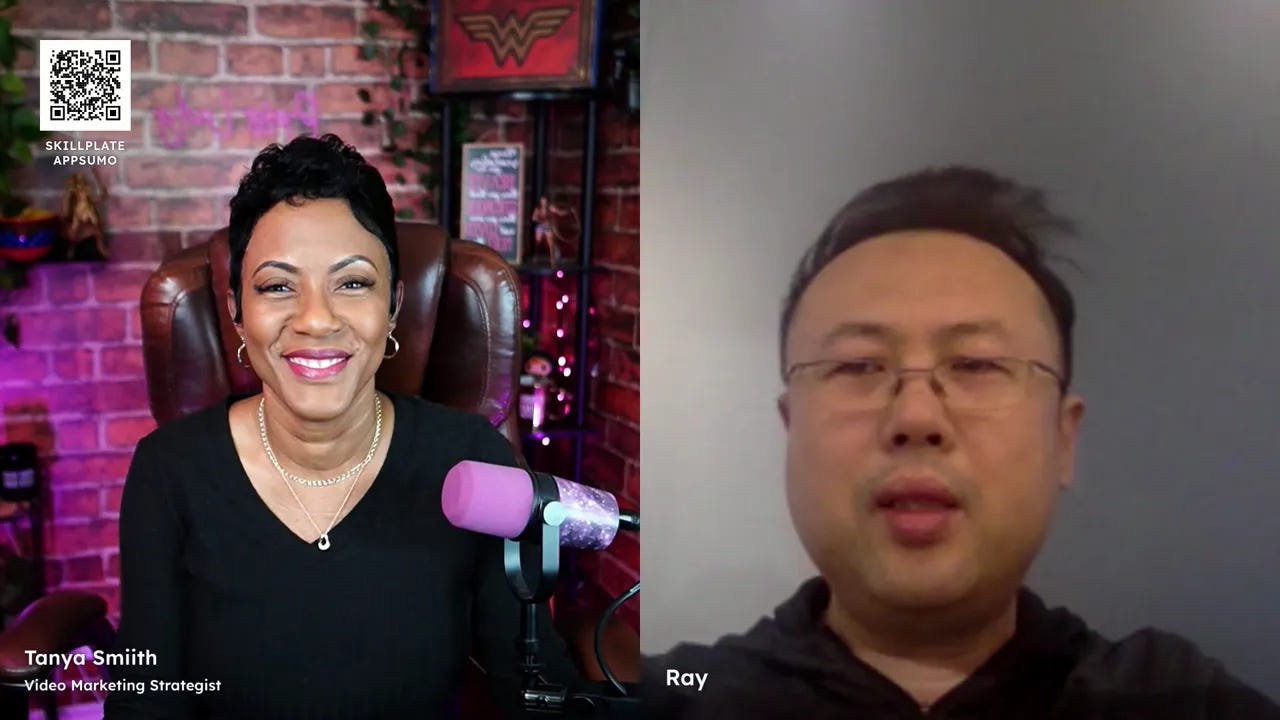
The philosophy is simple: deliver working software, not just code snippets. That means templates are released as launch-ready apps, not merely visual shells. For someone like me — who wants to teach, consult, and deliver — that changes the calculus of what’s possible in a day.
Real examples I use — and why they matter
Example 1 — Landing pages in under 30 minutes
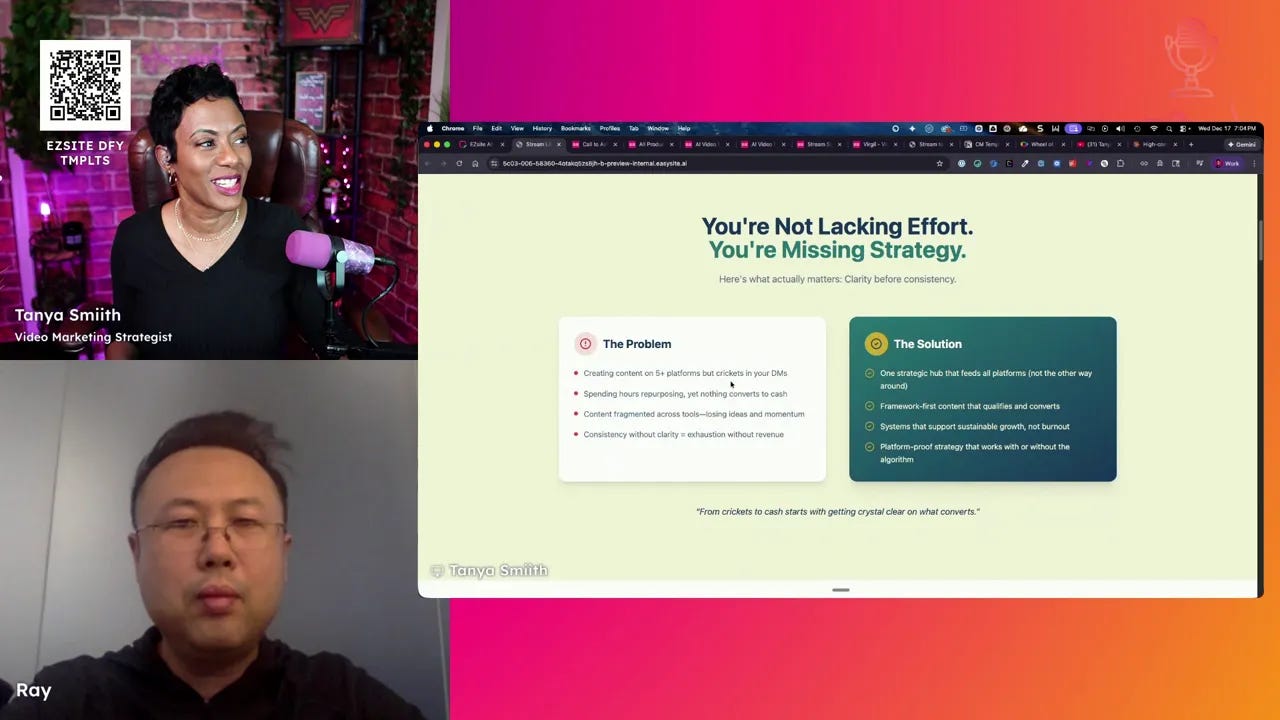
I needed a clean landing page to replace an old site. Using a prompt and EasySight’s prompt builder, I had a coach-focused landing page in roughly 30 minutes. The page included a clear CTA, brand colors, messaging that matched my “Crickets to Cash” framework, and placeholders for video and testimonials.
That was the turning point for me. It wasn’t that I can’t design or code — I just don’t want to spend my limited time maintaining infrastructure. EasySight gave me the foundation to iterate quickly.
Example 2 — EasyScribe: a turnkey transcript repurposing tool
I bought the EasyScribe template because transcript repurposing is a service I offer. Instead of building payments, pricing, and dashboards from scratch, the template came prewired with Stripe pricing tables, forms, and a user dashboard. I plugged in my brand, tested the payments, and was selling within hours.
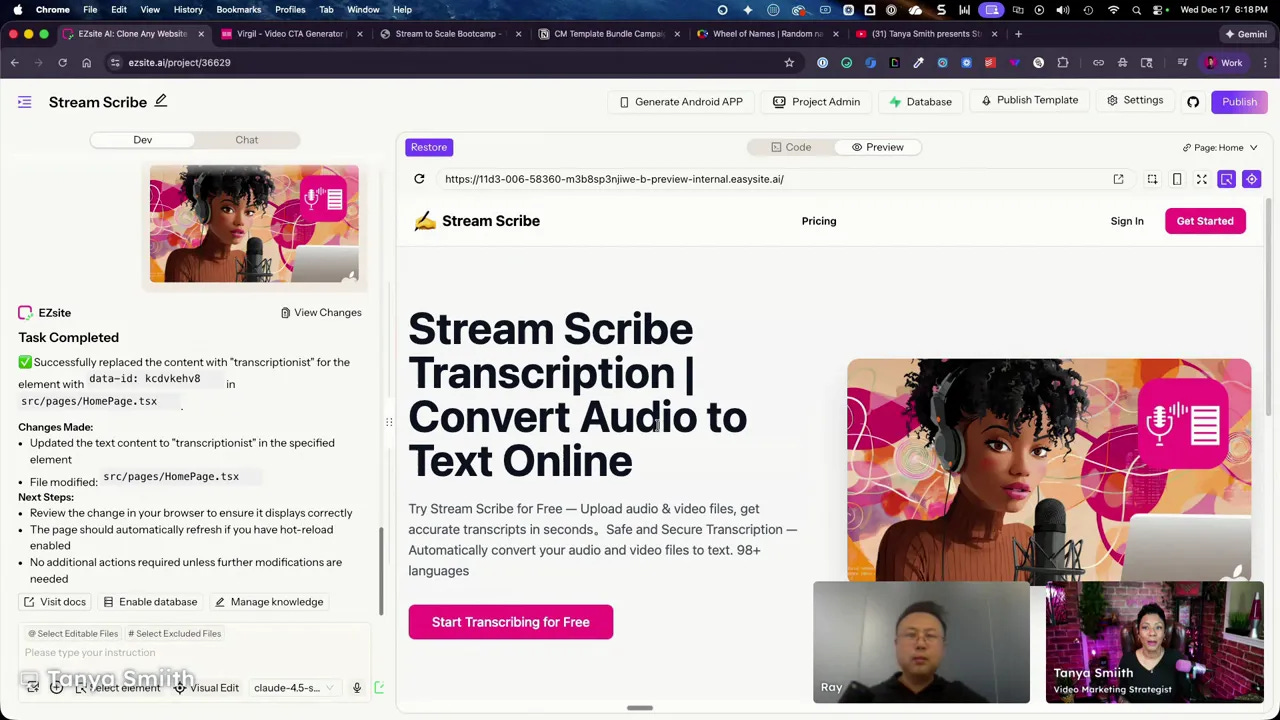
“AI creates good code but AI cannot create good software. Business owners need fully working, functional software to deliver results.” — Ray, EasySight Founder
That quote nails the practical truth. AI is a superpower for generating components, but you still need a tested integration, role logic, and payment plumbing. Templates do that heavy lifting for you.
How to use EZsite strategically (my framework)
As a strategist, I approach tools with a decision tree: what do I need to keep doing, what should I automate, and what should I delegate? Here’s my three-step framework applied to EasySight.
Define the client outcome — What measurable result will the tool help your client get? (e.g., 5 new qualified calls per month via a CTA tool)
Choose template or start-from-scratch — If the template targets your outcome, buy and brand it. If you need a custom workflow and you have dev resources, start from scratch.
Iterate with data — Deploy, capture analytics, refine prompts, adjust pricing and UX based on real customer behavior.
Why templates first
Templates reduce risk. If your business depends on coaching and client outcomes, the last thing you want is to be debugging a Stripe webhook while a client waits for access. Templates give you a working product with role-based access, payment flows, and the core database model already configured.
Deep dive: Templates vs DIY (and when to choose each)
There are two entry paths:
Do-It-Yourself builder — Best for people who want full control, plan to build multiple custom apps, and can tolerate a learning curve. This includes access to code editing, backend controls, and higher-tier token usage.
Done-For-You templates — Best for coaches and consultants who want a turnkey product that they can brand and sell immediately. Templates come with payment, login, and dashboard logic already in place.
If you’re a coach, consultant, or service provider, templates will usually be the faster route to monetization. Buy the template, tell the platform to apply your brand palette and messaging, and start selling.
Prompt builder: make pages that sound like you
One of the smartest features is the prompt builder. Instead of typing a giant prompt from scratch, you enter an objective and answer a short set of guided questions. The AI then generates a tailored site that reflects your brand voice and business model.
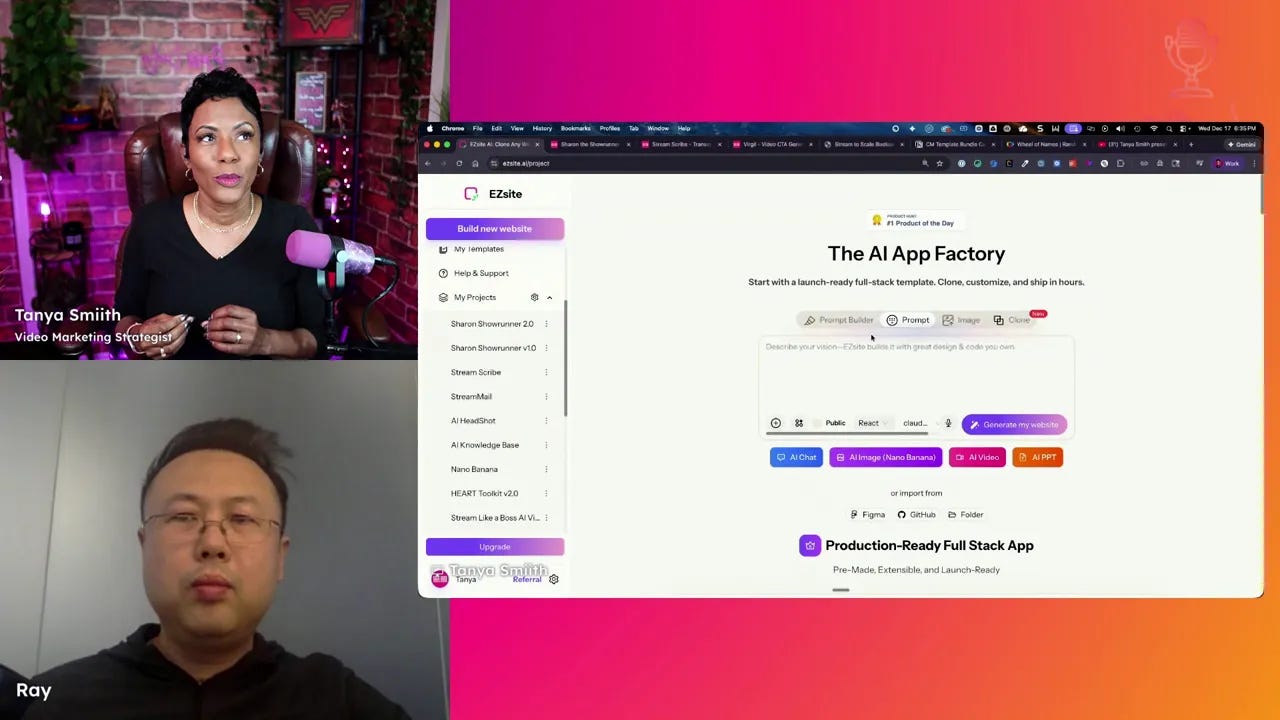
I often augment the prompt builder by feeding it answers created by my own AI assistant (Claude or GPT). This two-step approach — guided prompt + my content brain — saves time and results in better alignment with my brand voice.
Technical realities: backend, databases, tokens, and integrations
A few practical facts that matter when you decide to use EasySight:
Database and storage — Accounts come with default storage (e.g., 100 GB per account). If you store videos or many assets, plan for add-ons.
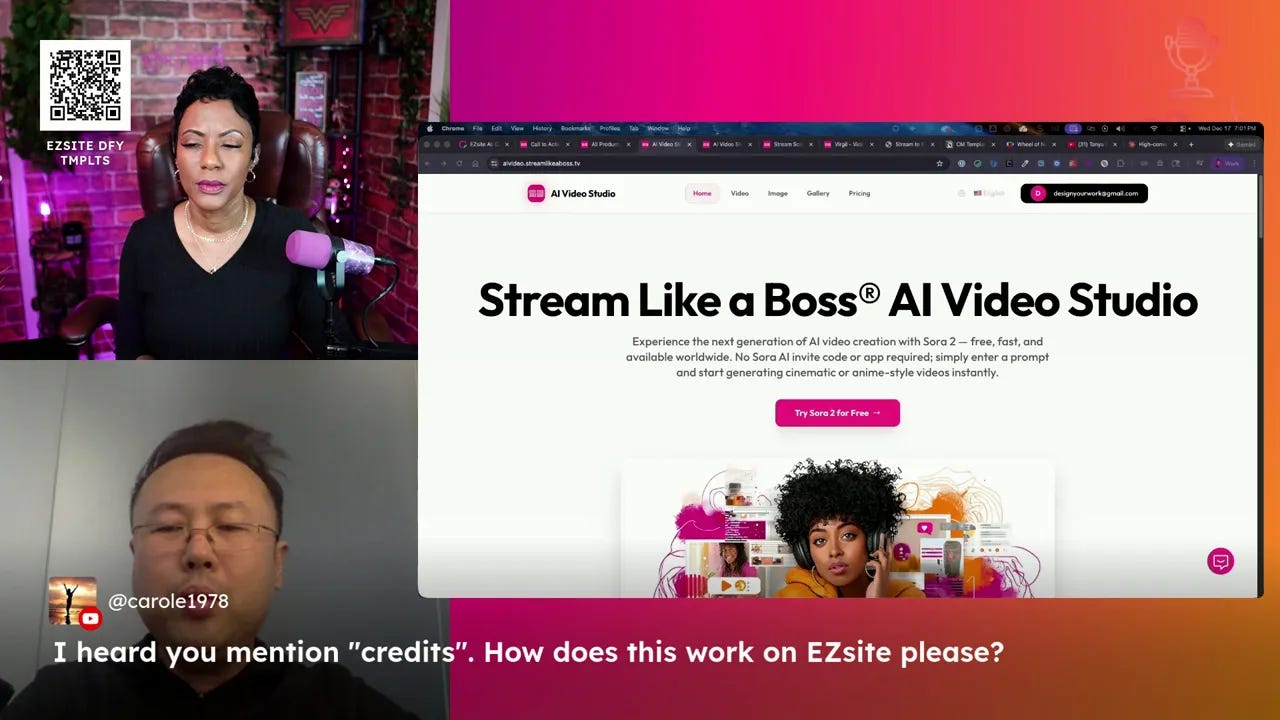
Tokens vs credits — The platform uses tokens for AI operations. Roughly, building a 5–10 page site can take 1–2 million tokens. Pricing varies by model; EasySight offers competitive token rates and allows you to buy tokens directly through their router or plug in your cloud provider.
Integrations — EasySight can connect to third-party CRMs via API or Zapier/Make if you prefer not to wire APIs yourself. It also supports connecting to Superbase, MySQL, Oracle, and similar databases if you are advanced.
Hosting and domains — Custom domains are supported; plan tiers determine how many domains you can host (single, 3, 10, 100, unlimited).
Prompt-driven features that changed how I work
A few specific features I use day-to-day:
Visual editing — Edit individual elements visually without consuming tokens. Perfect for swapping colors, photos, or a CTA headline.
AI selection — Select an element and ask the AI to rewrite or redesign it.
Code mode — For the small percentage of times I need deeper customization, the platform exposes both front-end and back-end code editing.
Template catalog: what’s available and how I use it
Templates are grouped by category: image generation tools, video generators, AI voice and chatbot templates, e-commerce seller studios, and niche utility apps like resume builders, real estate staging, and Airbnb photo enhancers.
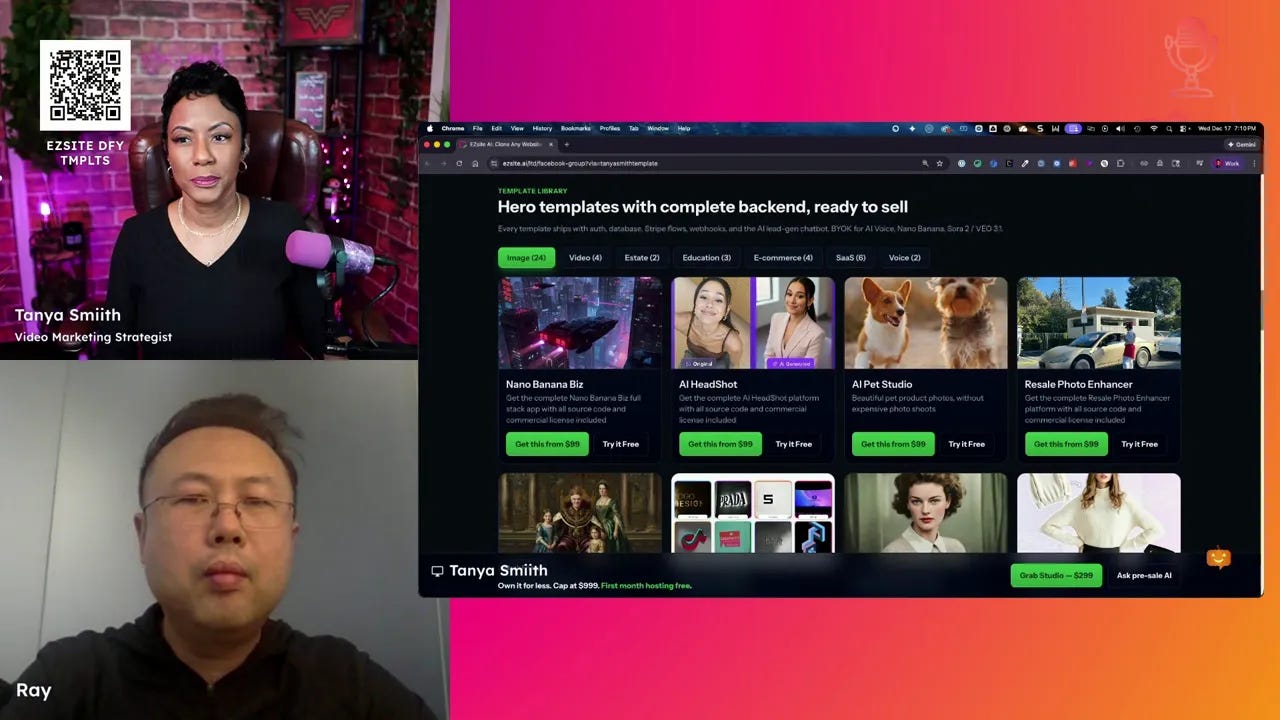
I bought templates that match my service offers: a CTA generator, transcript repurposer, and a hook generator. Each is branded, has a payment option, and plugs into the dashboard. For a career coach, the resume builder template is an obvious fit. For a video strategist, the CTA generator is a direct revenue opportunity.
Mini action plan — 3 steps for coaches and consultants
Pick one serviceable micro-app — Choose a template that directly complements an offer you already sell (for example, add a repurposing tool if you sell content coaching).
Brand it and price it — Replace colors, logos, and copy. Use the visual editor and AI selection to make the language feel like your own. Set a simple Stripe product and price that matches your offer tier.
Launch and iterate — Publish the subdomain, promote via your email list and social channels, measure sign-ups, and iterate prompts and UX based on customer feedback.
Memorable quotes to keep in mind
“Templates are launch-ready. They let you focus on customers, not code.” — Ray
“AI can generate code, but what business owners need is reliable, fully working software.” — Ray
Final thoughts — strategic framing and where to go next
I approach tools with the mindset of a strategist and analyst: what lever produces the greatest lift with the least friction? EZsite is a lever that consistently returns value for service-based businesses. It preserves your edge as a coach while giving you a branded digital product you can sell, bundle, or use to deepen engagement.
If you build or sell services, consider templates as productized extensions of your work. If you are an advanced builder, the DIY path gives you low-level control. Either way, the platform scales with your needs and reduces the single biggest risk: the backend complexity that keeps promising ideas from ever becoming products.
Call to action
If you found this helpful, subscribe for more show-note style breakdowns of tools and strategies that scale service businesses.
Unfortunately, our livestream didn’t broadcast to Substack for some reason. Probably user error with the new setup 🤦🏾♀️, but the good news is - I have the replay for you here.
Here are the two deals we covered:
Done For You, Premade Templates: https://tanyasmith.link/ezsiteDFY
Do It Yourself from Scratch: https://tanyasmith.link/ezsiteDIY


